
Need Assistance?
The Northeast Help Desk is here for you.
Help Desk Hours of Operation
Location: Frank Haney Student UnionMonday - Thursday 8 a.m. – 4 p.m.
Friday 8:00 a.m. - 12:00 noon
Phone: 662.720.7585
SMS/Text: 662.212.5948
Help Desk
Contact Information
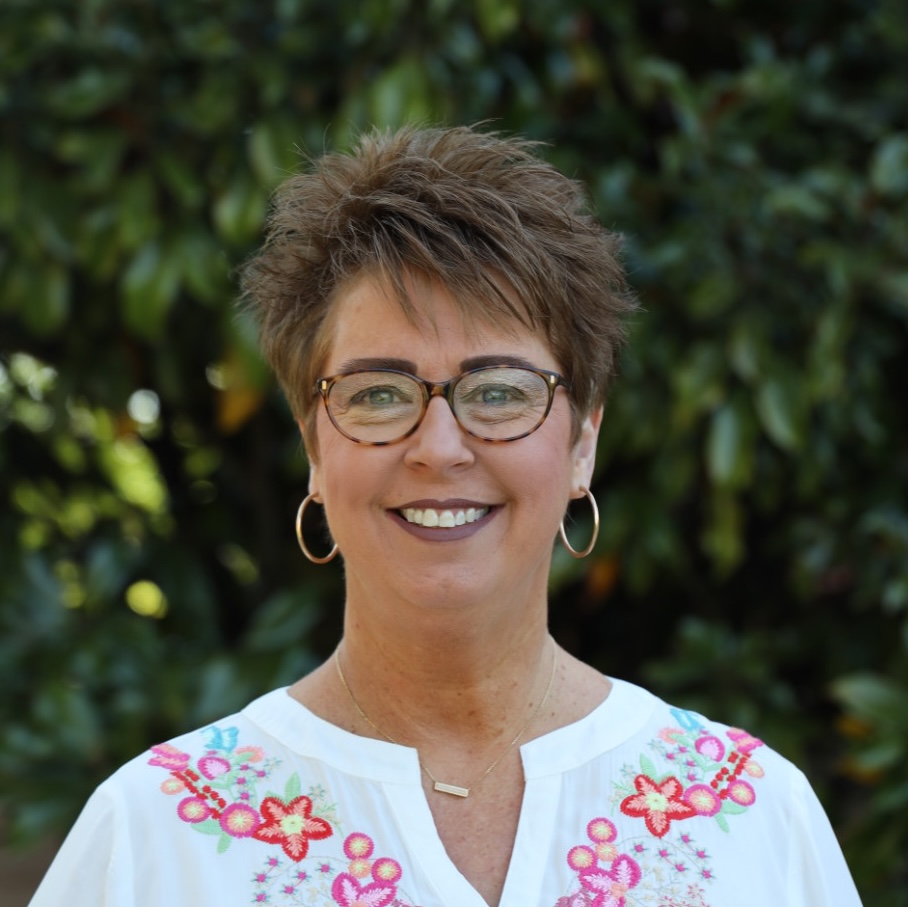
Charlotte Tennison
Administrative Assistant
Associate Vice-President of Student Services
Email: cwtennison@nemcc.edu
Phone: 662.720.7772

Carlena Benjamin
Instructional Technology
Email: cmbenjamin@nemcc.edu
Phone: 662.720.7221
Student Technology Support
Empowering Students: Your Go-To Hub for Tech Solutions and Support
Welcome to the Northeast student technology support hub, where we are committed to ensuring your digital journey with Apple technology is seamless and stress-free. The Northeast Tech Connect team offers a variety of support services encompassing a range of resources tailored to meet your tech needs. Dive into our library of step-by-step guides, hands-on learning workshops on Tech Tuesday, or visit our Tech Connect Technology Help Desk for walk-in support. From setting up devices to navigating classroom projects, we've got you covered.
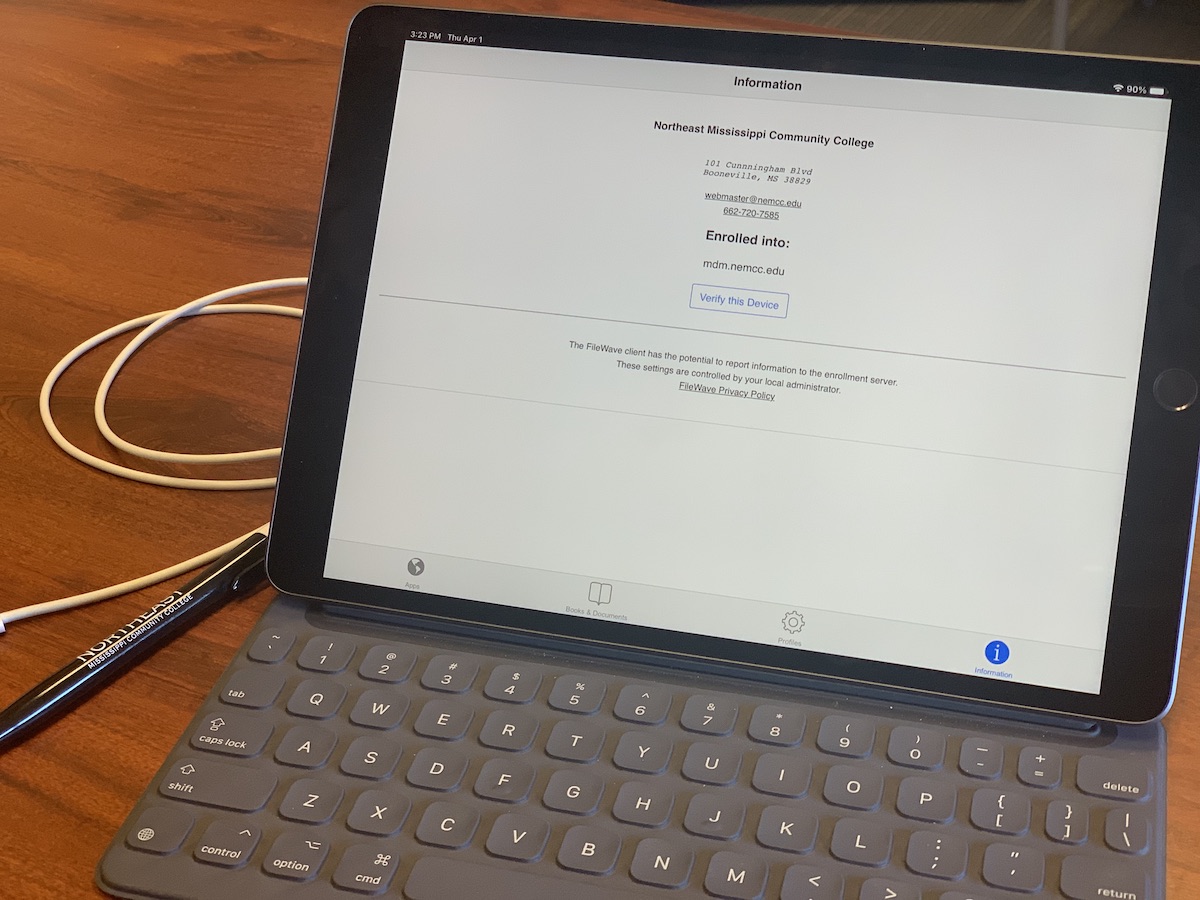
First Steps
- Create Your MyNEMCC sign-on
- Sign in to Email
- Set up Your Digital ID
- iPad Action Plan
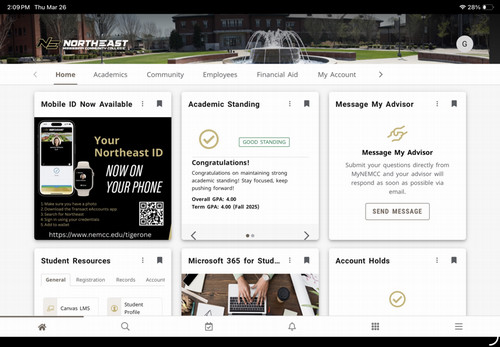
MyNEMCC Dashboard
- Student Resources
- Account Information
- Registration
- Office 365
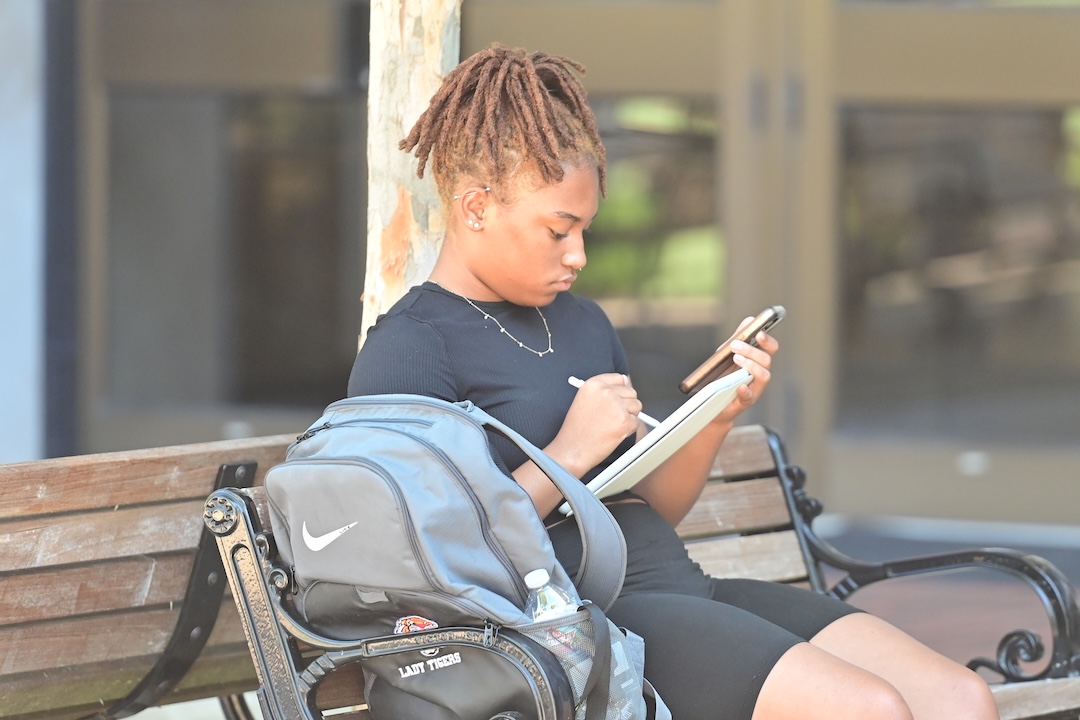
Getting Started with iPad
- Signing in to Apple ID
- Naming your Device
- Air Drop
- Adjusting the Settings app for the best experience

Canvas Tips and Tricks
- Canvas Dashboard
- Navigating Modules
- Grades and Feedback
- Syllabus
Penji Resources
- Tutoring
- Counseling
- Advising
- Study Rooms

Apple CORES
- Help Desk Support
- Tech Tuesdays
- Stay in the Know