
Need Assistance?
The Northeast Help Desk is here for you.
Help Desk Hours of Operation
Location: Frank Haney Student UnionMonday - Thursday 8 a.m. – 4 p.m.
Friday 8:00 a.m. - 12:00 noon
Phone: 662.720.7585
SMS/Text: 662.212.5948
Help Desk
Contact Information
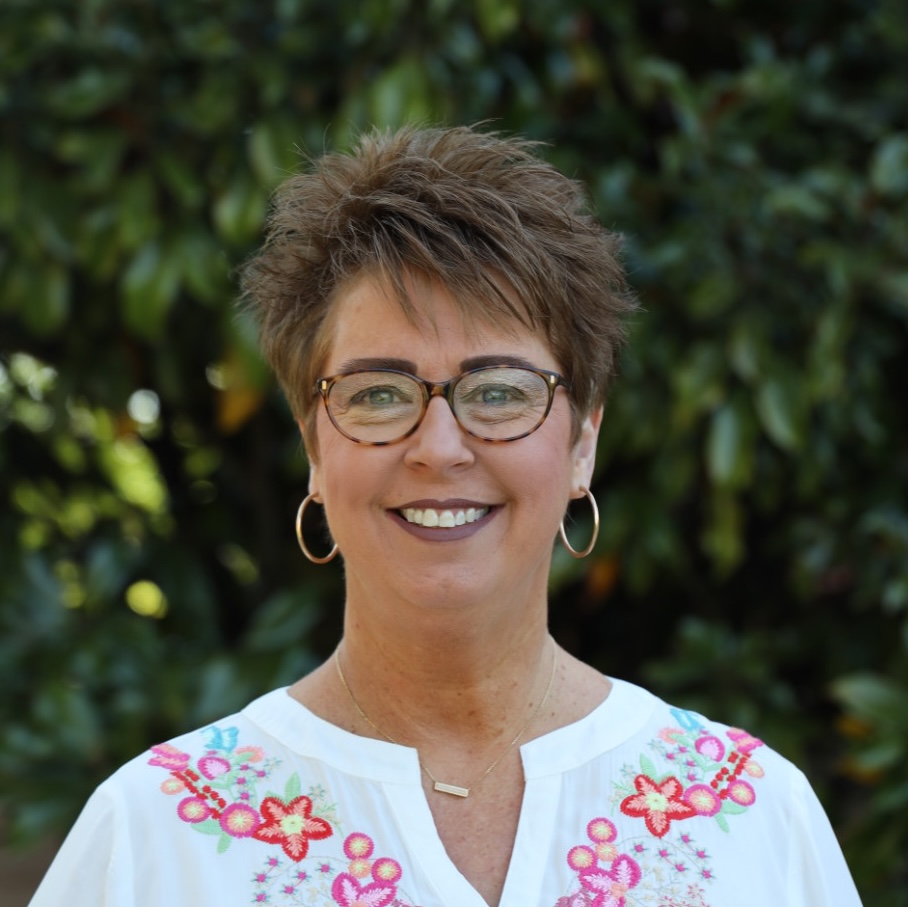
Charlotte Tennison
Administrative Assistant
Associate Vice-President of Student Services
Email: cwtennison@nemcc.edu
Phone: 662.720.7772

Carlena Benjamin
Instructional Technology
Email: cmbenjamin@nemcc.edu
Phone: 662.720.7221
Just Got Accepted? Welcome!
Explore the Getting Started Playlist
Below is a short playlist designed to help you get started with the essential technology tools at Northeast Mississippi Community College. These videos will walk you through key steps like setting up your accounts, accessing email, and navigating important systems. Use this playlist as a quick reference to make your transition smooth and stress-free.
Creating Your MyNEMCC Single Sign-On
Follow this guide to create your MyNEMCC sign-on by setting up your password and configuring Microsoft Authenticator for secure access.
Email Access from MyNEMCC Dashboard
Follow this guide to sign in to your NE email from the MyNEMCC Dashboard.
Add Your NE Email to iPad
Explore this how-to video to add your NE email to the Mail app on your iPad for quick and easy access.
Setting Up Mobile ID
Follow this guide to submit your photo for your digital ID, which verifies your identity and enables secure access to campus services.
Getting Your Northeast iPad
Students taking seated classes at Northeast are required to have an iPad. Learn more about iPad pickup, using your personal iPad, and other options on the iPad Action Plan page.