
Need Assistance?
The Northeast Help Desk is here for you.
Help Desk Hours of Operation
Location: Frank Haney Student UnionMonday - Thursday 8 a.m. – 4 p.m.
Friday 8:00 a.m. - 12:00 noon
Phone: 662.720.7585
SMS/Text: 662.212.5948
HelpDesk Request Form
Contact Information
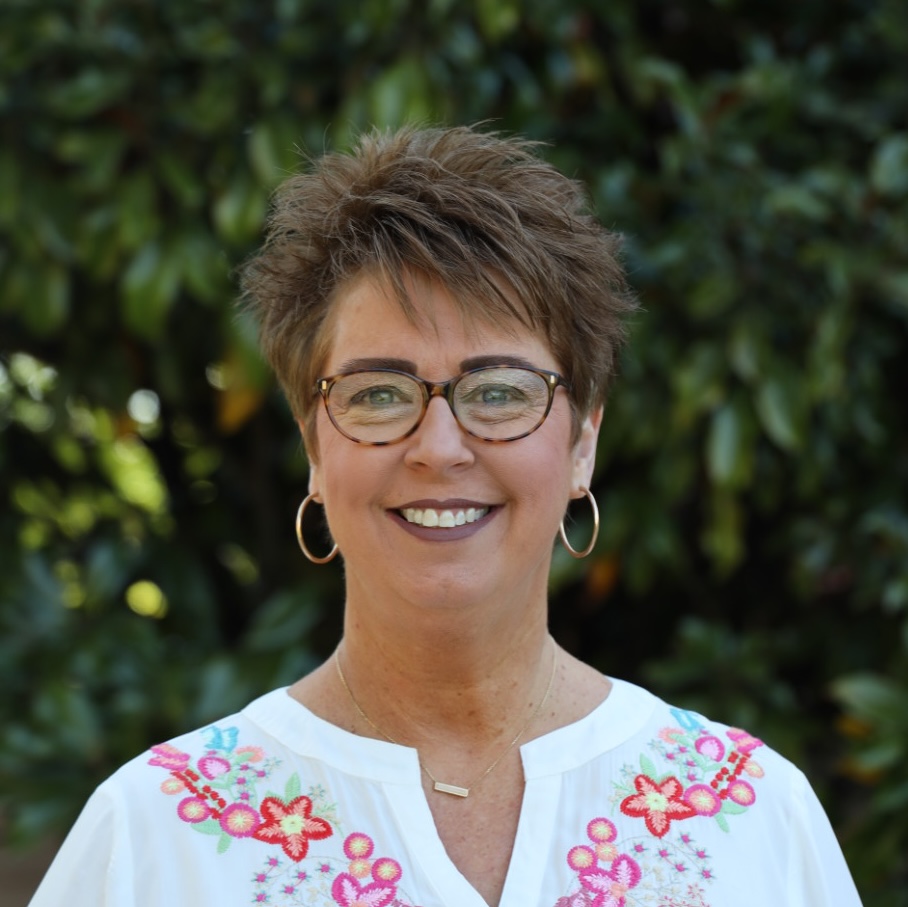
Charlotte Tennison
Administrative Assistant
Associate Vice-President of Student Services
cwtennison@nemcc.edu
Phone: 662.720.7772
 Carlena Benjamin
Instructional Technology
cmbenjamin@nemcc.edu
Phone: 662.720.7221
iPad Remote Management
How Mobile Device Management (MDM) Works on Your iPad
Remote management or mobile device management (MDM) allows NE to provide support for your iPad while keeping your privacy intact. Through MDM, we can automatically install required apps for your courses, help you regain access to your device if you forget your passcode, and remotely lock or wipe the iPad if it is ever lost or stolen.
It’s important to know that we do not place restrictions on your personal device, and we cannot see your screen, your files, your browsing activity, or anything you do on your iPad. Our management approach is intentionally light-touch—designed to support you as a college student, not monitor you.
MDM simply ensures that your device stays secure, functional, and ready for coursework, while your privacy remains fully protected.
Remote Management Removal
Upon graduation or transfer, you may request that the NEMCC remote management be removed. Please complete the form below to make the request. You will be notified when the management piece has been removed, then you will restore your iPad to its original settings.
To restore your iPad, first back up any saved files to your iCloud account. Any information not backed up will be lost.
- Open Settings
- Select General
- Scroll to the bottom and select Reset
- Select Erase All Content and Settings
- Your iPad will now begin restoring to its original settings. This may take several minutes. Follow the on-screen steps to set up your iPad.